
Made for the screen you’re using
CalendarHub for your family’s screens.
Use CalendarHub on iPhone, iPad, Mac, web, Apple TV and Apple Watch. iPhone and iPad each have their own layout.
iPhone
Out the door. Still in the loop.
Check what’s next, add a plan or tick off a to-do. CalendarHub’s iPhone interface keeps the day close at hand.
Get started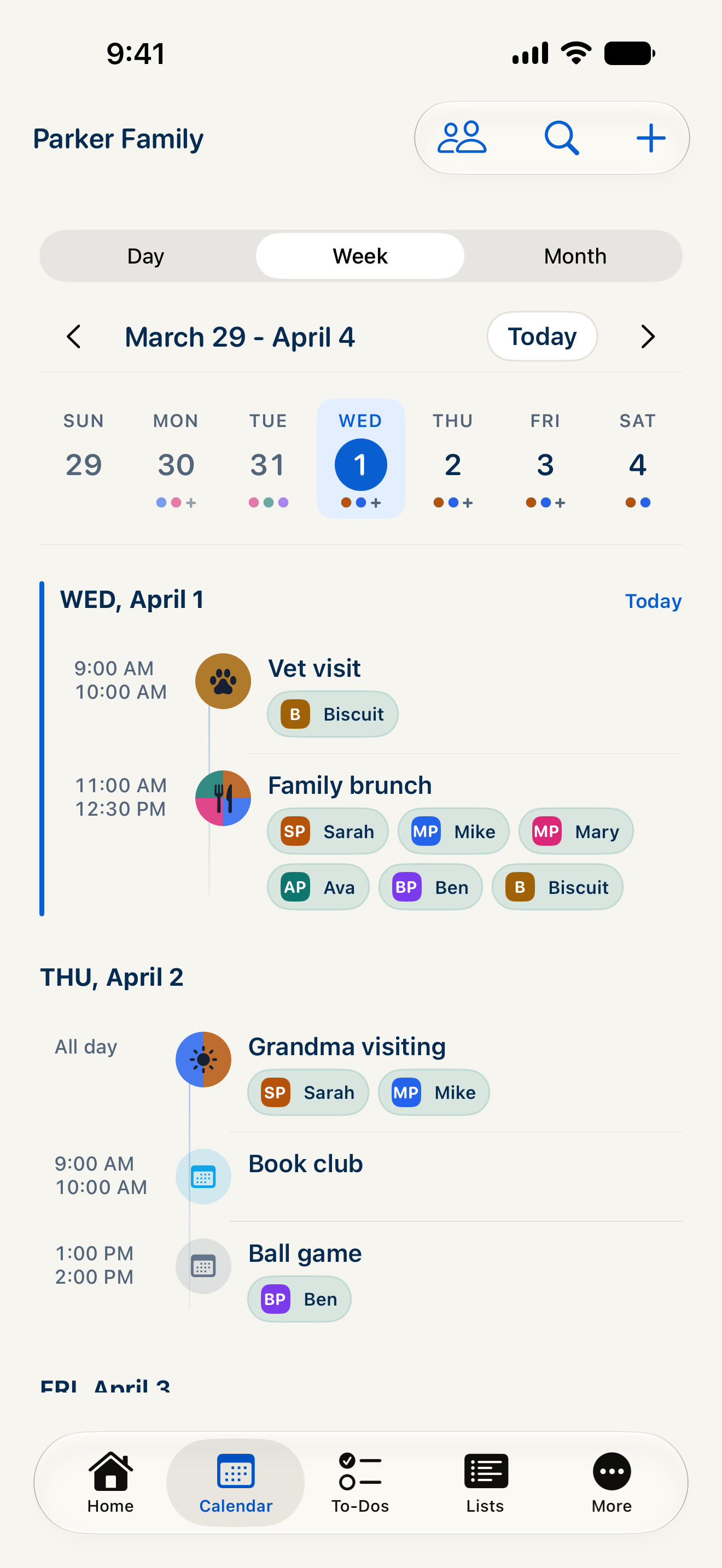
iPad
Room to see more of the week.
See the week in a full calendar grid, with a sidebar and person filters. The iPad layout makes use of the larger screen.
Get started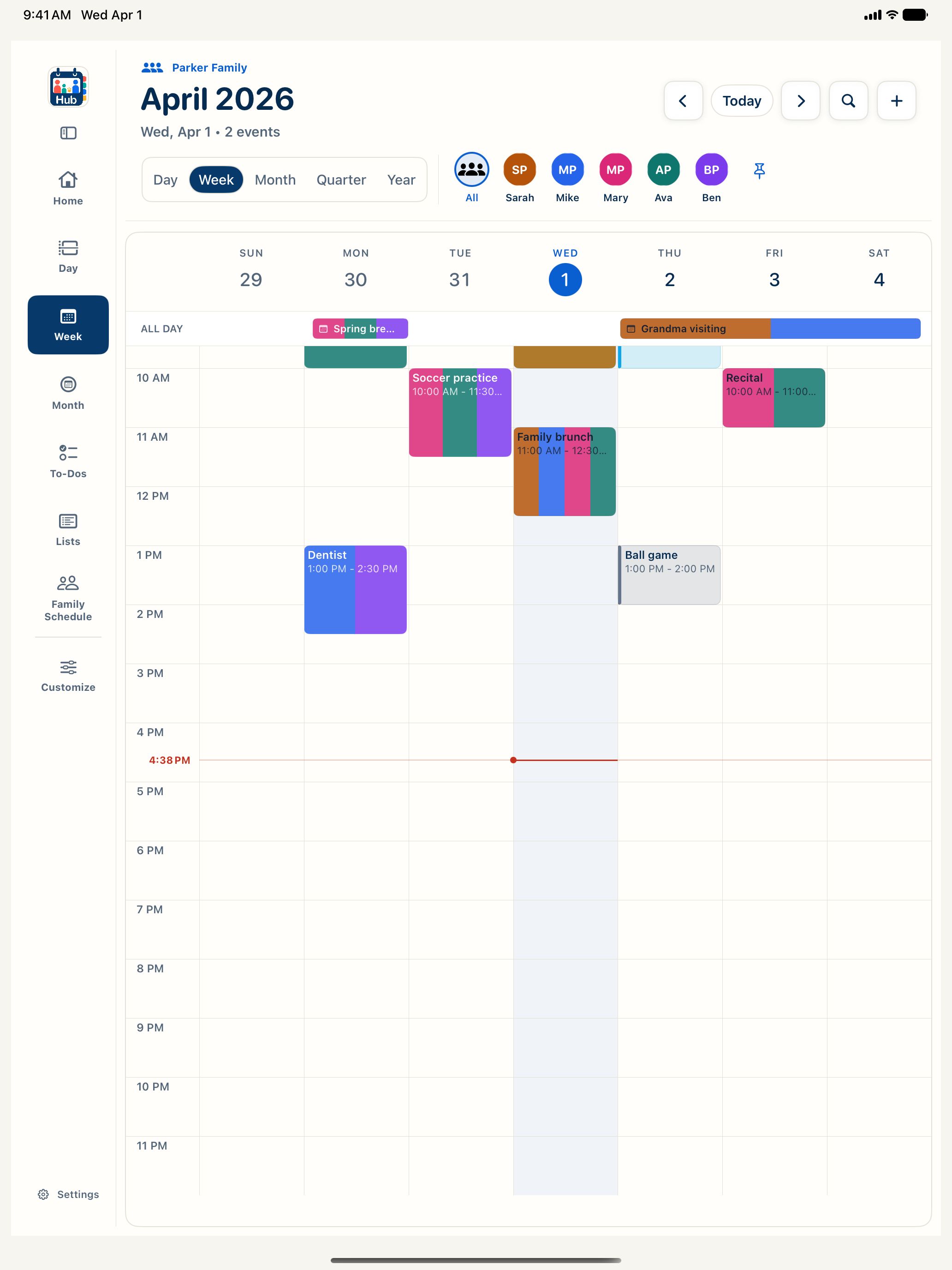
Mac
A place on your desktop.
CalendarHub has a native Mac app. Bring the household calendar to your desk when you’re planning the week or catching up on the small jobs.
Get started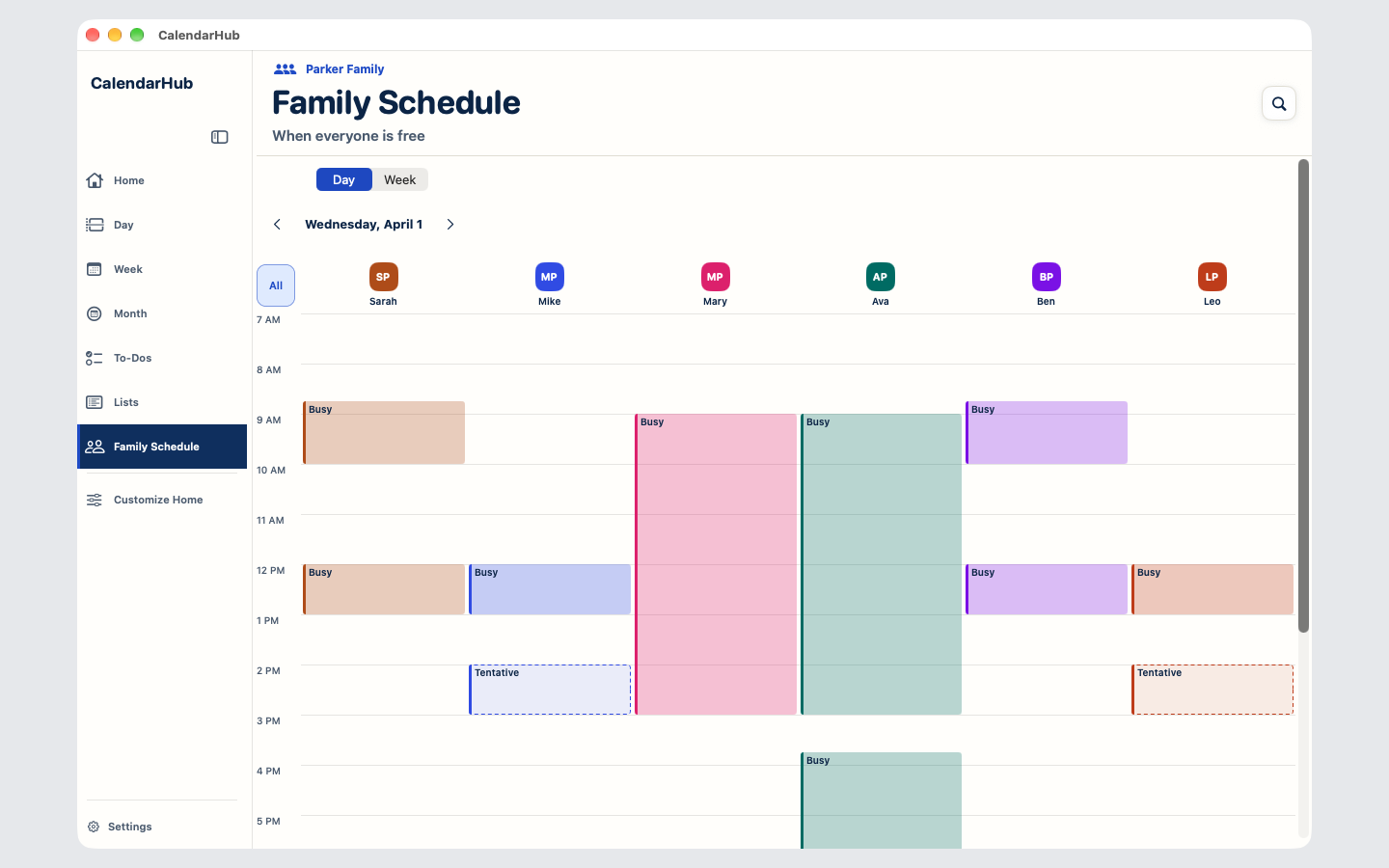
Web
Open a browser. Join the plan.
Use CalendarHub on the web from a modern browser, including on Windows and Android. Your family doesn’t have to use the same kind of device.
Get started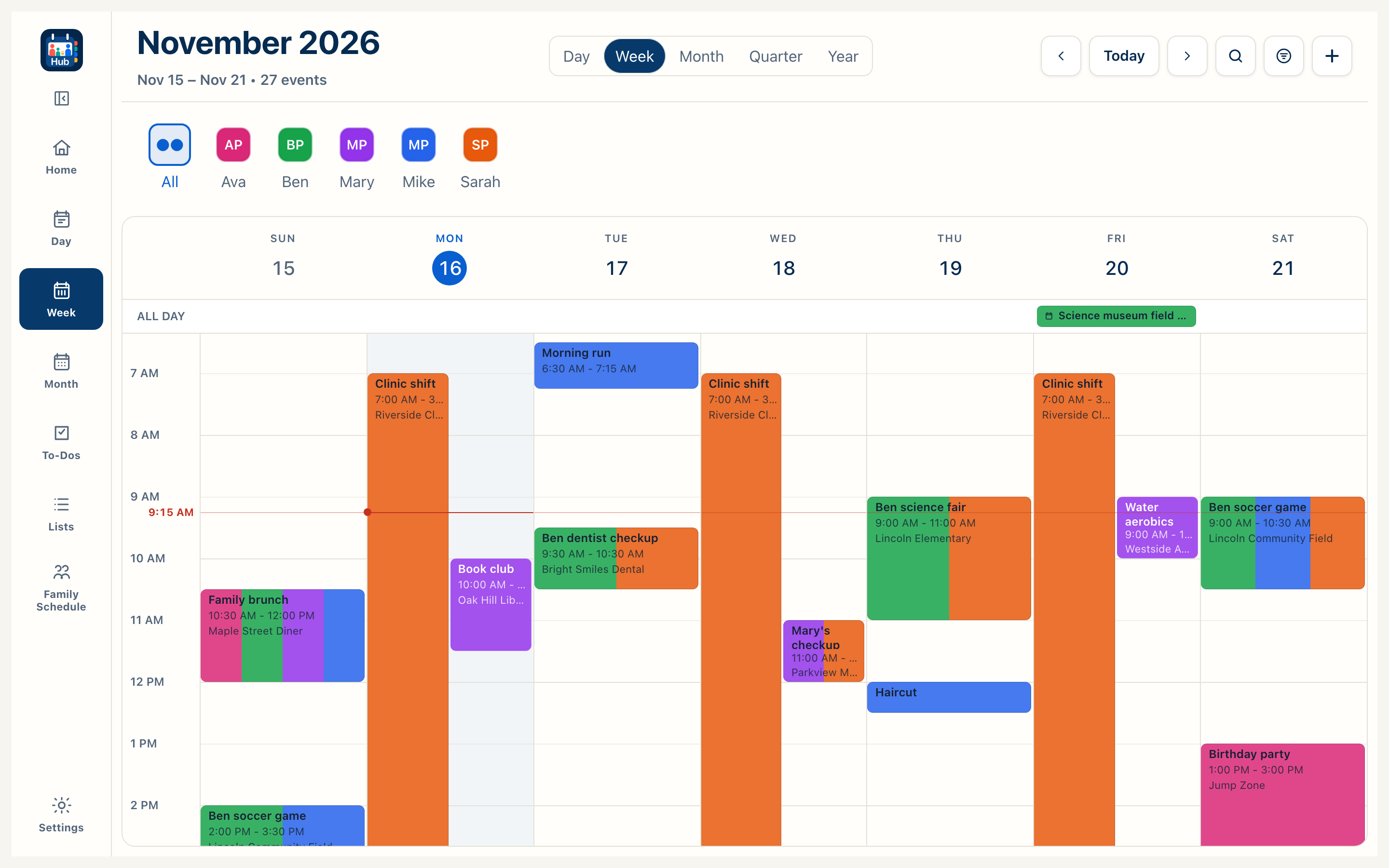
Apple Watch
A quick look, on your wrist.
Check today’s plans and to-dos on your wrist, and mark supported to-dos complete.
Get started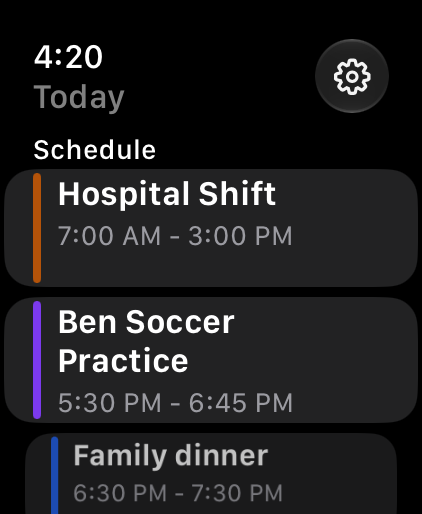
Apple TV
The family calendar, in the room.
Plus and Family Circle put the family calendar, shared to-dos and today’s school day on your TV. Free shows scenes, clock and date. The daily verse is optional.
Explore the family display
Windows and Android apps are coming later.
Your CalendarHub account also works in a modern browser. We haven’t announced dates for the native Windows desktop and Android apps.
App Store availabilityBring everyone’s
week together.
Coming soon on the App Store. Free plan, with 14 days of Plus included.
Unlimited people · No ads