
Chores & routines
Family chores, with a check-off for each person.
Chores are shared to-dos: assign the same job to several people and let each check off their part. Set daily, weekly or school-day repeats, all on the Free plan.
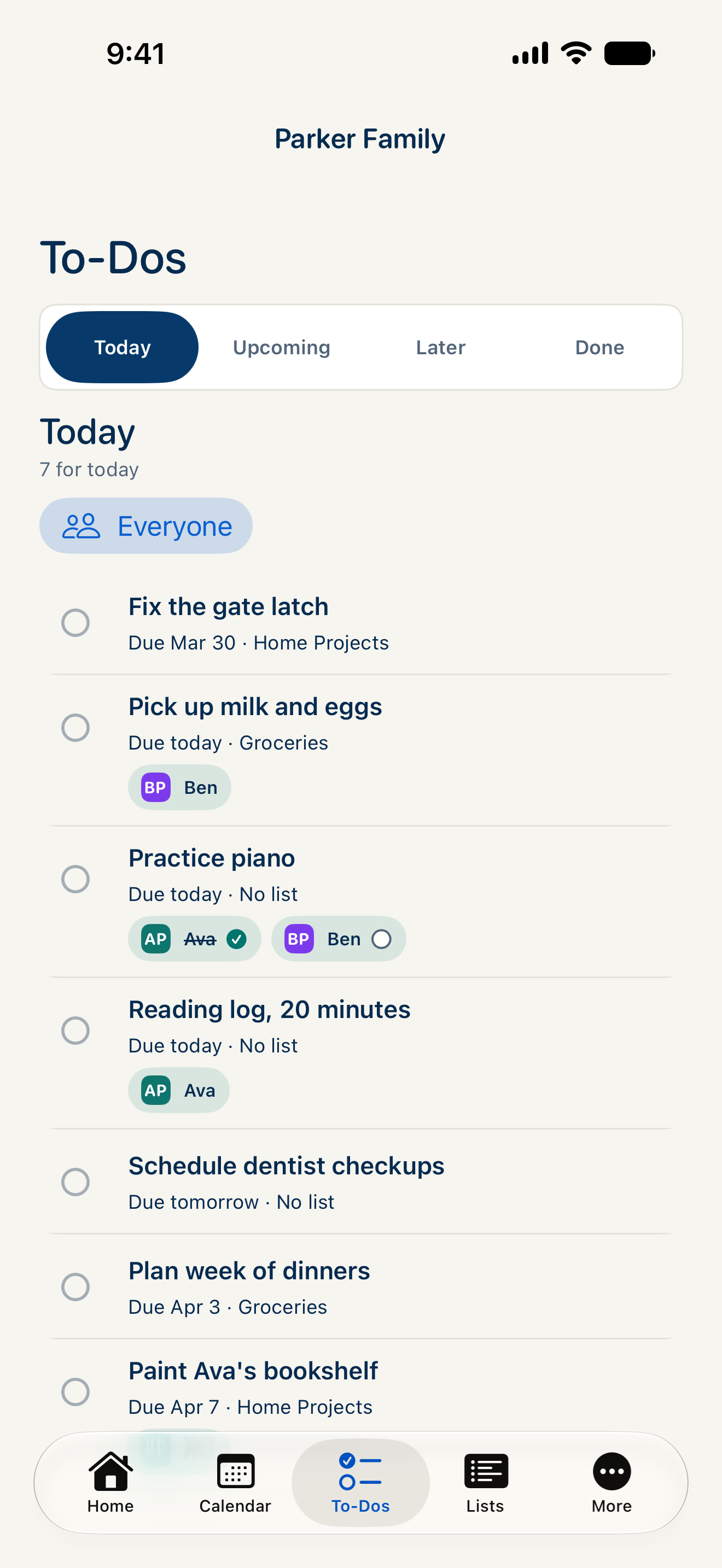
One chore. Each person’s progress.
Assign “Pack your school bag” to Ava and Ben. Choose a check-off for each person, so Ava finishing doesn’t mark Ben’s part done.
Repeat on the days it matters.
Set a daily or weekly repeat, or choose school days for jobs that follow the school schedule.
Give the evening jobs a list.
Put packing bags, clearing the table and laying out clothes in a to-do list. Use the same lists, reminders and repeats you use for other household jobs.
How do chores work in CalendarHub?
Use shared to-dos for chores. Assign people, choose whether each person checks off their own part, and add a repeat when needed. There is no separate routine to set up.
Are repeating chores free?
Yes. Shared to-dos, per-person check-offs and daily, weekly or school-day repeats are included in Free.
Bring everyone’s
week together.
Coming soon on the App Store. Free plan, with 14 days of Plus included.
Unlimited people · No ads