
Calendar feeds
Bring the school calendar with you.
Subscribe to school and team calendars with an ICS link. Free includes two calendar subscriptions and one shared feed; Plus and Family Circle include unlimited feeds.
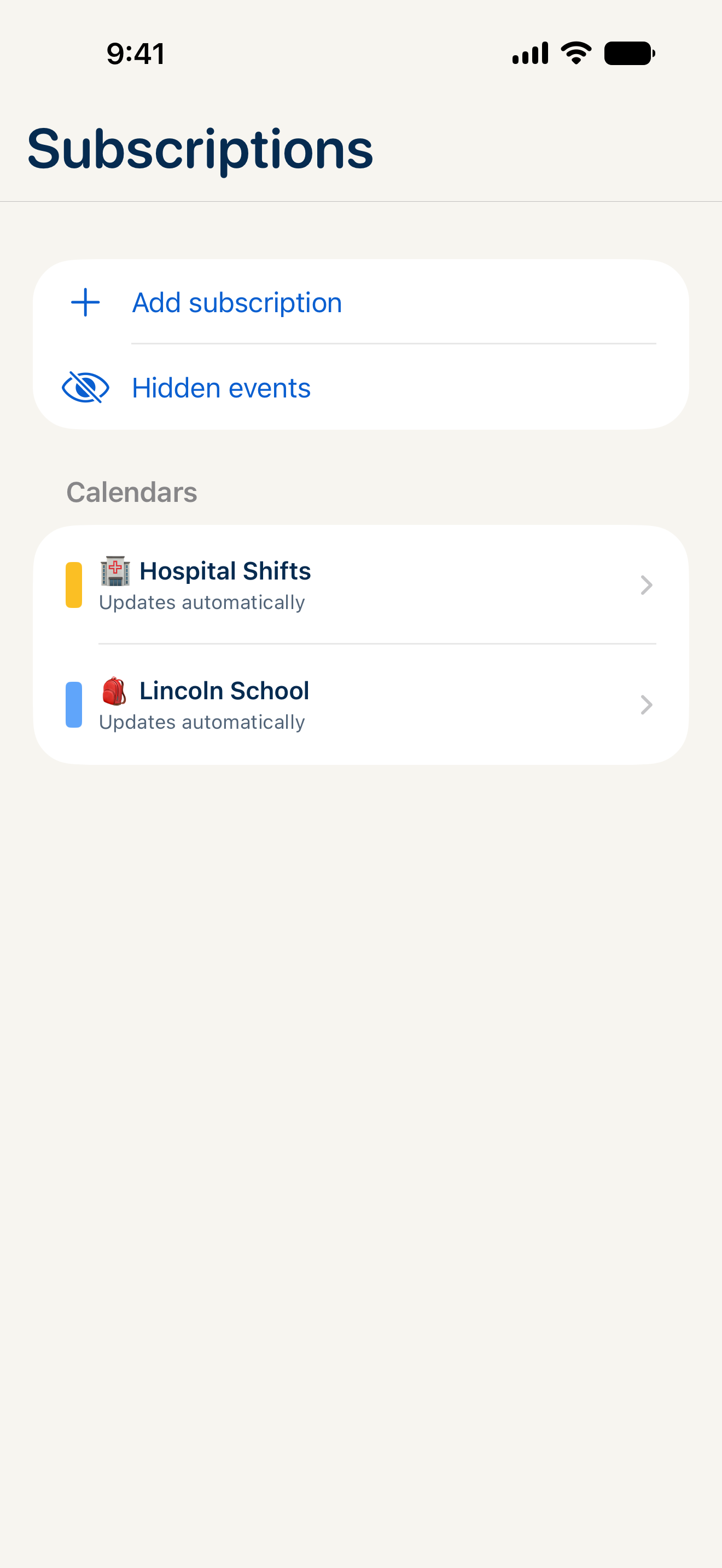
Start with the calendar’s link.
Look for a calendar subscription link from your school, team or calendar provider. It may end in .ics or start with webcal://. Add that link in CalendarHub.
Share the relevant plans.
A filtered calendar feed lets you share a selection of events with a sitter, grandparent or another calendar app. On the web, create one in Settings → Shared Calendars.
Keep feed links private.
Anyone who has a shared feed link can see the events it includes. Share it only with the people who should have access.
A school calendar, step by step
Subscribe once. Keep the dates together.
Get the school’s subscription link.
Look for “Subscribe,” “iCal” or “ICS” on the school or team calendar. Copy the calendar subscription link, rather than the address of the page you are viewing.
Add the link in CalendarHub.
On iPhone, iPad or Mac, open Settings → Subscriptions → Add Subscription. On the web, open Settings → Subscriptions. Paste the link and give it a name you will recognize, such as “Ava’s school.”
Check a date you already know.
Compare an upcoming event with the school’s calendar. If it is missing, check that the link opens a calendar feed and that the source includes that event.
An ICS subscription brings events into CalendarHub. To change an imported event at its source, use the original calendar.
What is an ICS calendar feed?
It’s a subscription link that lets a calendar app read events from another calendar. Schools, clubs and calendar services often provide one.
Is this two-way Google Calendar sync?
No. CalendarHub’s current calendar-feed support uses ICS import and shareable filtered feeds. It does not provide two-way Google Calendar sync.
Will changes appear immediately in another calendar?
Refresh timing depends on the calendar receiving the feed. A subscribed calendar may take time to show an update.
Bring everyone’s
week together.
Coming soon on the App Store. Free plan, with 14 days of Plus included.
Unlimited people · No ads